

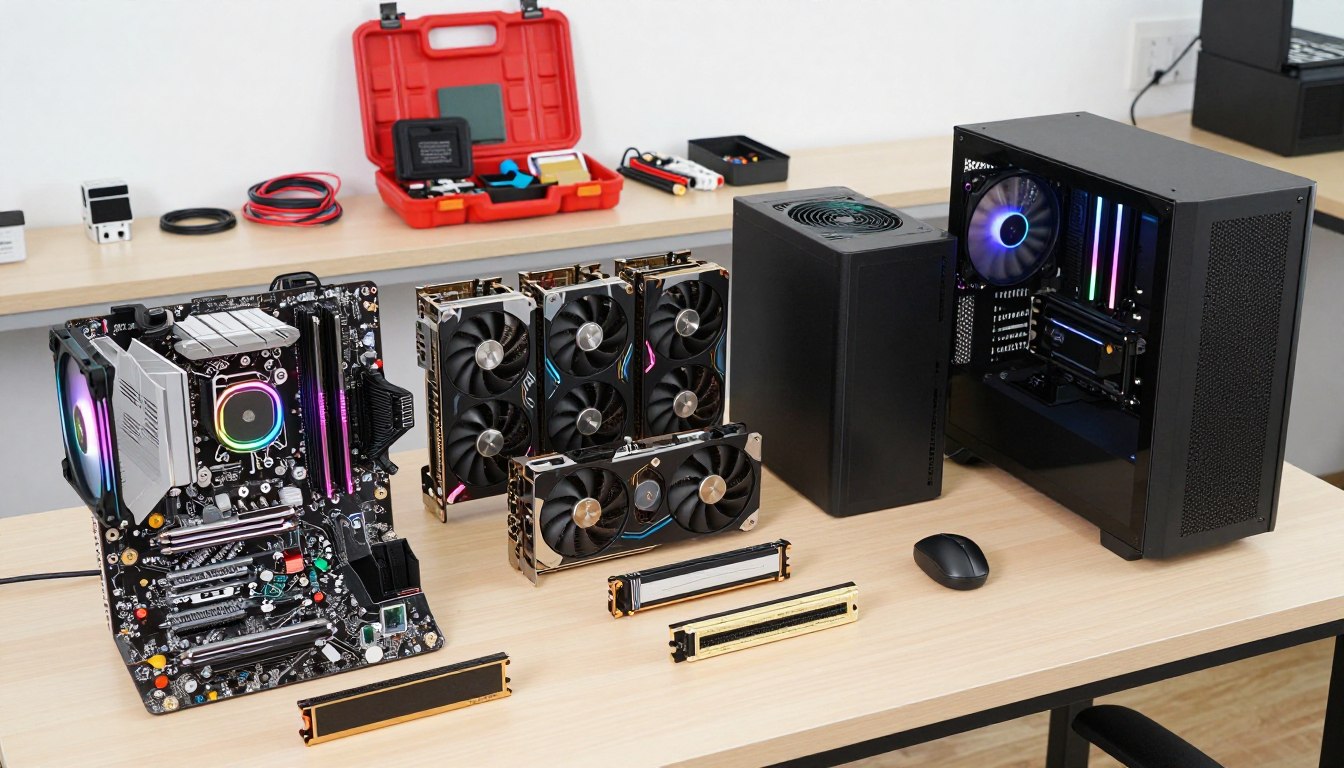
A PC business can sell custom systems, solve computer problems, or combine both kinds of work for customers who need more than an off-the-shelf purchase. A refurbished computer is a previously used computer that has been inspected, repaired or updated as needed, and prepared for resale.
Custom builds alone can be difficult to sustain, so your buyers, service mix, cash discipline, and customer care all matter. This guide helps you shape an offer around real needs and deliver work customers can trust.
Key Takeaways
- Choose customers you can reach and a service they need.
- Check local demand before buying costly hardware.
- Keep money available for operating expenses, not just parts.
- Set written prices, approvals, and payment terms.
- Use a repeatable process for testing and customer data.
- Track job quality and demand before you expand.
Treat the first stage as a test of a real customer need, not a reason to fill shelves with parts.
How to Start a PC Business by Choosing a Viable Niche
A niche is viable when a specific group of nearby buyers has a problem you can solve and a reason to choose your service. Start small: a focused computer business can serve a clearer need than a shop trying to sell every kind of hardware.
Choose a buyer and service before committing cash to inventory. Custom PC buyers often want a specific configuration or hands-on support; mass-market brands benefit from scale. Custom builds are not always cheaper than prebuilt PCs, so your offer should compete on fit, service, or expertise.
Match a service mix to buyers you can reach
Gaming builds suit players seeking specific performance or appearance. Creator and workstation systems serve people who need dependable computing for demanding software. Household repair and upgrades cover slow computers, failing storage, and setup help. Small-business support can add troubleshooting, device setup, and ongoing consulting.
A PC-building side hustle can begin with assembly, upgrades, or repair appointments. To learn how to become a PC builder, develop hands-on component knowledge, use a repeatable testing process, and practice scoping customer needs before quoting. Repair work, consulting, and support can diversify revenue when build orders fluctuate.
To start selling custom PCs, offer configurations you can explain and support. To start a used computer business, also check each device’s condition, repair history, software licensing, and data removal before resale.
Validate local demand before buying inventory
Use Google Maps to find nearby competitors, then compare their service menus and response times. Check local groups for unmet needs, not just interest in parts or build photos.
- Ask at least 10 local businesses about their IT needs.
- Map local competitors and compare the services they list.
- Record recurring requests from Reddit r/buildapc, PCPartPicker completed builds, and local Facebook groups.
A custom build can serve a buyer who values a precise configuration, but repair and support may bring more repeat work. Market interest alone cannot confirm demand in your town.
Use market figures as context, not a sales forecast
The global gaming PC market was estimated at roughly $70 billion in 2025. The refurbished-computers-and-laptops market is estimated at $23.9 billion in 2026 and forecast to reach $63.1 billion in 2036, a 10.2% CAGR. Refurbished laptops are forecast to make up 74.0% of that market in 2026, Windows systems 66.1%, online e-commerce 55.0%, and small businesses 36.4%.
Global growth shows that buyers exist, not that buyers near you will choose your offer.
Windows 10 support ended on October 14, 2025, a reason some owners may consider upgrades or replacement. Worldwide PC shipments exceeded 270 million in 2025, up 9.1%; AI PCs were 31% of shipments, with 143 million and 55% projected for 2026.
Fourth-quarter 2025 shipments totaled 71.496 million, up 9.3% year over year. Lenovo led shipment share at 27.2%, followed by HP at 21.5% and Dell at 16.5%; their shipment growth was 14.3%, 12.1%, and 18.2%, respectively.
Before buying stock, write down the customer type, the need you heard, and the service you would offer for it.
What Does It Cost to Start a PC Business?
A PC-building launch may take $6,000-$18,000 in startup capital, while a computer-repair business may take $4,000-$12,000. Inventory drives the difference: build businesses often spend most of their initial money on components.
Plan for 3-6 months of operating expenses and keep $3,000-$7,000 in cash reserves. These are planning ranges, not a promise that every business will spend the same amount. Location, storefront needs, and the services you offer affect the cost.
Compare build-business and repair-business startup budgets
Use these ranges to sketch a launch budget, then adjust the categories to fit your own business model. Website and marketing costs overlap because a repair shop may need both customer outreach and a booking page.
| Budget category | PC-building business | Computer-repair business |
|---|---|---|
| Total startup capital | $6,000-$18,000 | $4,000-$12,000 |
| Tools and equipment | $200-$500 | $2,000-$5,000 |
| Initial inventory | $5,000-$15,000 | $1,000-$3,000 |
| Website or marketing | $500-$2,000 | $500-$2,000 |
Formation and permits are separate from these table categories. A build-business budget may include $100-$800 for formation, while a repair-business budget may include $500-$1,500 for licenses and insurance.
Protect working capital while you fund the launch
Buying niche or high-end parts before demand is proven ties up money in items that can lose value. Keep early stock focused on common needs, and order expensive components for approved jobs when possible. Your cash must cover rent, utilities, shipping, and replacement parts as well as sales inventory.
Personal savings can fund a small test launch without a loan payment. SBA Microloans go up to $50,000, average about $13,000, and carry interest rates of 8%-13%. Applicants generally need a solid business plan and a personal credit score usually above 650.
Loan terms and approval depend on the lender and applicant, so build a plan that still works if financing takes longer or costs more than expected. Do not count borrowed money as profit or assume a lender will approve the full amount.
Keep the cash reserve separate from one-time equipment spending so an unexpected part order does not stop work.
Which Legal, Tax, and Environmental Rules Apply?
Legal setup depends on where you operate and whether you build systems, sell parts, repair devices, or do all three. Local rules matter: business structure, licenses, sales tax, insurance, and repair records each have different requirements.
An LLC filing does not replace permits, insurance, or tax registration. LLC filing fees range from $50-$500 by state, an EIN is free to apply for online through the IRS, and a general city or county business license often costs $50-$100 yearly.

Register the business and check local requirements
Choose a structure such as a sole proprietorship or LLC, then check state and local rules for your activity. Confirm whether your city or county requires a business license, home-occupation approval, or other permits. Ask the relevant state revenue department about sales-tax registration and resale rules before selling taxable goods.
General liability insurance can cost $250 to more than $3,000 annually, depending on risk factors. Professional liability insurance can cost $500-$1,000 per year. Your customers’ devices, the work you perform, and your coverage needs all affect the policy you choose.
Handle sales tax, repair authorization, and customer records
Keep customer records that show the device, reported issue, approved work, and final result. California has state-specific rules for covered electronics repair, not rules that automatically apply across the United States.
California requires electronics repair dealer registration for businesses charging to repair consumer electronics, including computers, tablets, phones, and monitors. A new California repair business without three years of experience must provide a $25,000 surety bond to register with BEARHFTI. The two-year fee is $65 for an individual or $125 for a business.
In California, covered repairs costing more than $100 need written authorization, including a work description, itemized estimate, and customer signature. A repair business there cannot exceed a written estimate by more than 10% without new authorization. These requirements are state-specific.
- Set up the business entity and a business bank account.
- Get an EIN and check local license requirements.
- Confirm state sales-tax and resale requirements.
- Arrange insurance and keep customer authorization records.
Manage income taxes and electronic waste
Self-employed people generally file an annual income tax return and pay estimated taxes quarterly. Sole proprietors usually report business income or loss on Schedule C and self-employment taxes on Schedule SE.
Self-employment tax applies when net earnings reach $400. The rate is 15.3%, with 12.4% for Social Security and 2.9% for Medicare. A self-employed person may deduct the employer-equivalent portion when calculating adjusted gross income.
For tax year 2024, the Social Security portion applied to the first $168,600 of combined wages, tips, and net earnings. The 2024 Additional Medicare Tax thresholds were $200,000 for single filers and $250,000 for married couples filing jointly. Those are tax-year-specific figures, not constants for every year.
The federal Resource Conservation and Recovery Act prohibits improper disposal of hazardous electronic waste. Covered batteries, mercury-containing equipment, and CRTs under the Universal Waste Rule must be labeled, stored for no more than one year, and sent to a certified e-waste recycler.
Secure customer data during repair and resale; all 50 states have data breach notification laws. Check the current rules with your state revenue department and city or county clerk before accepting paid jobs.
How Should You Set Up a Workspace and Source Parts?
A PC builder can begin in a 100-to-150-square-foot space, while a repair shop may use a 300-to-500-square-foot commercial space. Clean and controlled conditions help protect customer equipment and reduce avoidable hardware damage.
Check local zoning and home-occupation rules before using a home workspace. A spare room or clean garage corner may suit a build station, while a commercial repair shop needs room for intake, storage, and customer service.
Choose a safe space and essential equipment
A six-foot anti-static workbench is estimated at $400-$800. The iFixit Pro Tech Toolkit costs $75-$100 and includes precision computer-building tools. Add basic cable-management supplies, labeled bins, and appropriate storage for components waiting on a job.
Repair work may also need diagnostic equipment and a Hakko FX-888D soldering station, listed at $120. Static control, a clean work area, and careful storage reduce the risk of damaging parts before they reach a customer.
Buy parts to match confirmed orders
Newegg Business and Amazon Business can suit occasional orders; established businesses may compare wholesale distributors such as Ingram Micro and Tech Data. Account terms depend on the supplier, and wholesale access does not guarantee lower costs for every item.
Buy common parts only when demand supports them. Order costly or fast-changing components against customer approvals rather than keeping them on a shelf. Compare compatibility and delivery timing before promising a build date.
Systems sold with software need supported operating systems and properly licensed installations. Windows 10 support ended on October 14, 2025, so choose an operating system that remains supported for the customer’s intended use.
Check workspace zoning and component handling conditions before bringing customer equipment into a home or rented unit.
How Do You Price Builds and Accept Payments?
A reliable quote separates component costs, labor, service fees, and the payment terms the customer approves. Make each line clear so the buyer can see what the build or repair includes.
A markup is not net profit after labor and overhead. A markup adds to a part’s cost; profit remains after you account for labor, rent, fees, warranty work, and other business expenses.
Quote labor, parts, and service work clearly
Cost-plus pricing applies a percentage to component cost, then adds labor and any service fees. It can work when parts costs vary between jobs. A transparent flat build fee is easier to compare when complexity is predictable, but quote extra work separately.
| Pricing method | How it works | Example or range |
|---|---|---|
| Custom-build component markup | Add a percentage to component cost | 15%-25% |
| Fixed build fee | Charge a set assembly fee | $200-$500 by complexity |
| Hourly repair labor | Bill time with a minimum | $60-$100 per hour, one-hour minimum |
| Repair-parts markup | Add a percentage to wholesale cost | 50%-100%; graphics cards 15%-25% |
Flat repair examples include $150 for virus removal and $120 for operating-system installation. A monthly support retainer might be $300 for up to four hours. Price each job for the work involved, not just the visible part cost.
Set deposits and approval terms before ordering
For a larger custom build, take a 50% deposit before ordering components, with the remaining 50% due on completion or delivery. Put the parts list, delivery estimate, labor, warranty responsibilities, cancellation terms, and customer approval in writing before buying parts.
For repair work, describe the approved scope and how you will handle extra faults found during service. A customer may approve a diagnosis but decline a repair, so make the next step clear in your written terms.
Choose payment methods with fees in mind
Cash, checks, cards, and digital wallets give customers useful options. Card-processing fees average 2.5%-3.5%, so include that cost in your quote rather than letting it erase the margin on a small job.
Record each payment against the customer’s invoice and job file. If a customer pays by check, confirm that your process accounts for payment timing before releasing a finished system.
Get written approval for the parts list and total before ordering anything that cannot be returned without a cost.
How Will You Find Your First Customers?
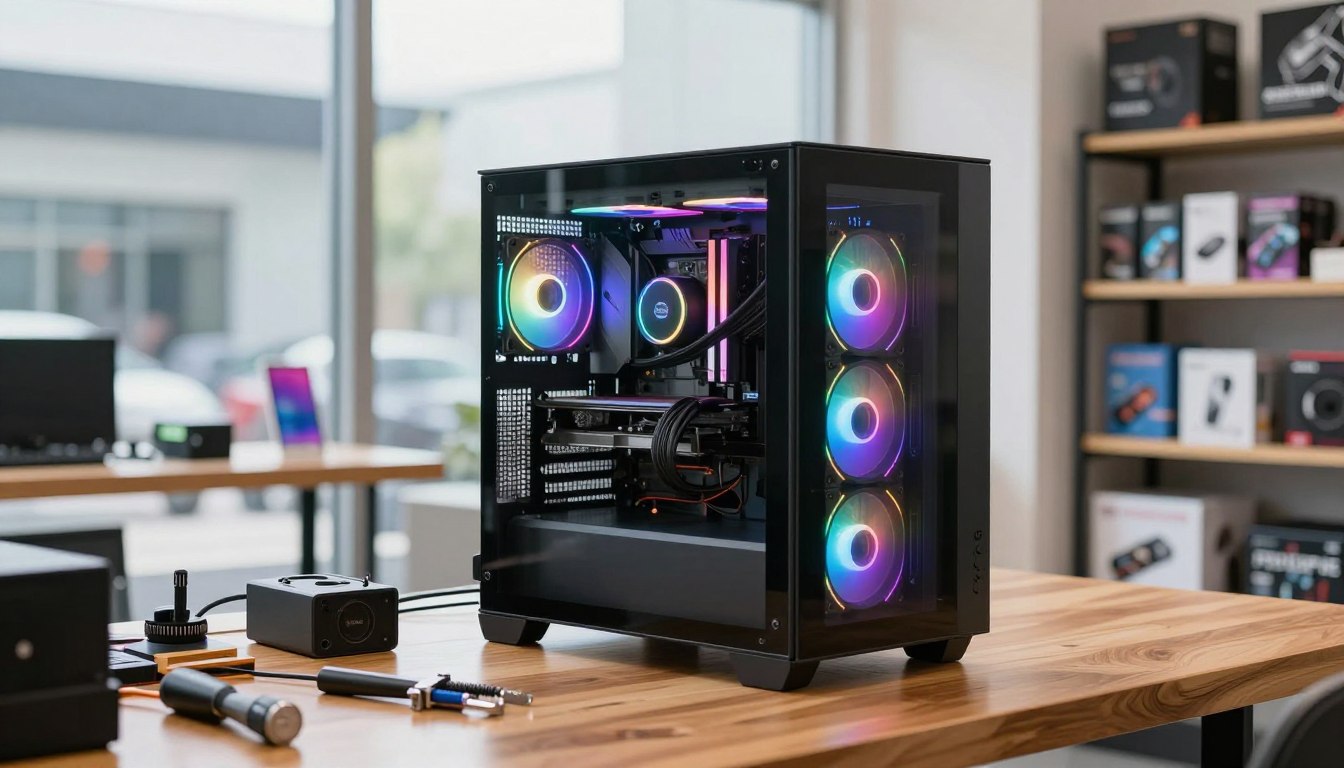
A clear portfolio and accurate local listings help customers judge your work before they contact you. Show real jobs: a specific build photo or repair example says more than a broad claim about quality.
Use a simple website to explain what you do and where you work. Include your service area, service menu, contact details, useful starting information where appropriate, and examples of completed builds or repairs.
Build local visibility and a portfolio
Claim local listings through Google Business Profile, Yelp, and Nextdoor. Use Instagram, TikTok, or YouTube Shorts to show finished builds, cable management, or a repair explained in plain language.
Keep marketing practical and consistent:
- Complete local business listings with accurate hours and contact details.
- Publish clear photos or short videos of finished work.
- Request honest feedback from satisfied customers.
Get permission before posting a customer’s system or identifying details. A short caption can name the customer’s goal and the service you provided without sharing private information.
Earn trust through useful outreach
Answer questions helpfully in Reddit r/buildapc and Linus Tech Tips communities rather than posting unsolicited ads. Referrals from local small businesses and people who serve the same customers can also bring suitable work.
Copy-shop flyers and direct mail are other local options, especially when you can name a clear service and service area. Track whether each channel produces paying customers instead of judging it only by views or likes.
Customer acquisition cost (CAC) is the share of marketing spend used to win one new customer. A PC builder can aim to keep CAC below 10% of a PC’s sale price; a $2,000 build suggests a $200 planning ceiling, not a guarantee.
Track each lead’s source and the sale it produces so you can stop spending time on channels that do not bring suitable work.
How Do You Deliver Reliable Builds and Repair Jobs?
A written job workflow makes each customer approval, assembly step, and test result easier to verify. Document as you go, so a missed approval or unclear handoff does not become a costly service error.
For a business PC build, record the customer’s purpose and budget, approve the parts list, check compatibility, assemble, install licensed software, test, and document handoff. The same discipline helps repair jobs stay within scope.
Turn each approved job into a repeatable workflow
At intake, record serial numbers, device condition, reported symptoms, and accessories received. Confirm the scope before work begins, then note parts used, changes approved, and any issue that remains unresolved.
For a new build, match the approved hardware to the customer’s purpose and budget, check compatibility, and assemble with care. Install properly licensed software and record the operating system and key handoff details without exposing credentials.
Test the system before handoff
Prime95 can run a CPU stress test for at least 60 minutes, and FurMark can stress-test a GPU under the same conditions. MemTest86 can check RAM stability. These tools can reveal problems, but no test guarantees that every system will remain error-free.
Write down the test results and the final configuration. During handoff, show the customer the system’s basic operation, provide relevant records, and capture customer sign-off that the agreed work was delivered.
Protect customer data during service
Ask permission before accessing customer files and discuss backups before work that could affect data. Store credentials securely, limit access to the people who need them, and avoid leaving passwords in a general job note.
When devices are reused or resold, use a documented media-sanitization process. NIST released SP 800-88 Rev. 2 in September 2025 as a standard for media-sanitization programs; keep records of the method used and the device handled.
A clear checklist can fit in the job file: serial numbers, intake condition, approved scope, test results, and customer sign-off. Keep a record of the final test results and the customer’s approval with the job file.
When Should You Expand or Add Services?
Expand when repeat demand, a delayed queue, or work you can no longer complete well shows that the current setup is at capacity. Look for a pattern, not one unusually busy week.
Five to 10 builds per month, a queue consistently longer than two weeks, or $150,000-$200,000 in annual revenue per full-time technician can inform hiring decisions. These are planning estimates, not universal thresholds.
A first technician may handle assembly, cable management, and quality control. Evaluate hands-on skill and practical judgment; CompTIA A+ can support a skills assessment, but certification does not replace experience with real hardware.
Trello and Asana can track job stages such as parts ordered, assembly, testing, and delivery. Inventory-management software may become useful above 15 builds per month, when manual tracking can make stock levels and job reservations harder to manage.
Keep your return merchandise authorization (RMA) rate below 5% as a planning target, and use the vendor’s authorization process before returning parts.
Track each vendor-approved product return (RMA), its cause, and any related defect. A rising rate can point to a supplier issue, handling problem, or process error that deserves attention before you add more volume.
Computer repair technicians may earn $20-$25 per hour, so compare the cost of a hire with the labor and follow-up work you can actually support. Review completed jobs, returns, and unpaid time before committing to a hire or a larger parts order.
Conclusion
A strong start comes from solving a specific customer problem and keeping every job financially clear. A focused service mix and dependable customer care can distinguish a small operator, while custom builds alone may not suit every local market.
Write a one-page offer for a defined customer group, then ask prospective buyers what they need before spending money on inventory. Their answers can shape a service that fits your skills and gives customers a reason to call.
Choose one customer group, test the offer with real conversations, and buy parts only when a suitable job is approved.
FAQ
Can you make money with a PC?
Yes, you can earn money by charging for assembly, repair, upgrades, setup, or ongoing support. Custom hardware sales alone can be difficult to sustain because parts costs, labor, and warranty work all affect your return. A mix of services can give customers more reasons to hire you and help your revenue continue when build orders slow.
How to open a PC shop?
Validate local demand, choose services, budget for tools and inventory, register locally, and check zoning before renting or opening to walk-in customers. A home-based start can help you test appointments or custom builds before taking on storefront costs. Plan how customers will contact you, drop off equipment, and receive updates during a repair.
Is building your own PC cheaper than buying one?
Not always; compare equivalent parts, assembly labor, support, warranty coverage, and the value of a custom configuration. A prebuilt system may cost less because a large brand buys at scale, while a custom system may better match a buyer’s needs. The fairest comparison includes what each option covers after the sale.
Which is no 1 PC company?
By worldwide PC shipment share in the fourth quarter of 2025, Lenovo ranked first with a 27.2% share. “Number one” can mean shipment share, revenue, customer satisfaction, or another measure, so state the measure when comparing brands. HP ranked second in shipment share for that quarter, followed by Dell.
What are the top 3 PC brands?
By worldwide shipment share in the fourth quarter of 2025, Lenovo, HP, and Dell ranked first, second, and third. Their shares were 27.2%, 21.5%, and 16.5%, respectively. Shipment share measures units shipped during that period, not which brand is best for every buyer or every type of computer.
Who is bigger, Dell or HP?
HP had a larger worldwide shipment share in the fourth quarter of 2025, at 21.5% compared with Dell’s 16.5%. Dell’s shipments grew faster year over year, rising 18.2% compared with HP’s 12.1%. The answer changes if “bigger” means revenue, workforce, or another business measure instead of shipment share.
If you want to dig further into what is career in technology paths and opport, read our What Is Career in Technology Paths and Opport guide.
If you want to dig further into how to buy culo crypto guide to acquiring cul, read our How to Buy Culo Crypto Guide to Acquiring CUL guide.
If you want to dig further into how does stem cell technology work breakthrou, read our How Does Stem Cell Technology Work Breakthrou guide.